CAVA MENU
๐Ÿ“ฑ VERIFIED 2026 ORDERING & APP GUIDE

CAVA Online Ordering Guide: How to Order for Pickup, Delivery & Catering

Ordering from CAVA online is straightforward once you know which option fits your needs. You can order through the CAVA website or mobile app for pickup or delivery, while larger orders can be placed through CAVA's separate catering platform. This guide explains each option, how online customization works, what to know about fees and rewards, and what to do if there is a problem with an order.

CAVA Bowl and Smartphone Ordering
$0 Extra
In-Store Pickup Fee
4.9 / 5.0
App Store Rating
476+
Stores Nationwide
10 pts / $1
Rewards Earning Rate
Quick Answer

How to Place a CAVA Order Online

How to Order CAVA Online

๐ŸŒ

Through the Website

CAVA.com lets you pick a restaurant, view its current menu, customize your order, and choose pickup or delivery. You can order signed in to earn Rewards, or continue as a guest where that option is offered. The website's larger layout makes it easier to compare menu items, review nutrition details, or place a group order before checkout.

๐Ÿ“ฑ

Through the App

The app covers the same ordering flow as the website but adds account-specific tools: saved past orders you can reorder in one tap, push notifications when your order is being prepared and when it's ready, and dietary filters that flag items by allergen. CAVA Support handles ordering issues for both.

CAVA Pickup vs. Delivery

CAVA Pickup

Pickup orders skip the walk-in line โ€” collect your meal from the designated pickup shelf once it's ready. Because you're picking it up yourself, there's no delivery fee and no transit time, so food generally reaches you hotter and fresher.

CAVA Delivery

CAVA offers delivery directly where available, and CAVA also appears on third-party platforms like DoorDash and Uber Eats. Delivery time and fees depend on distance, demand, and which platform you use. Orders placed directly through CAVA are handled by CAVA Support if something goes wrong.

CAVA App vs. Website Ordering

Both platforms place the same order into the same kitchen system. Here's a breakdown of the practical differences:

Feature CAVA App CAVA Website
Best For Fast repeat orders, tracking, notifications Group orders, comparing on large screen
Guest Checkout Account Required Available in some cases
Order Status Real-time Push Notifications Email Confirmation
CAVA Rewards Full integration, points visible in-app Full integration via account login
๐Ÿ’ก Expert Tip: Ordering Frequently?

If you order from CAVA often, the CAVA app's saved favorites and push notifications will save you a lot of time. However, if you're placing a one-off group order or want to review nutrition info side-by-side, the website's larger layout is much easier to work with.

What Can You Order Online at CAVA?

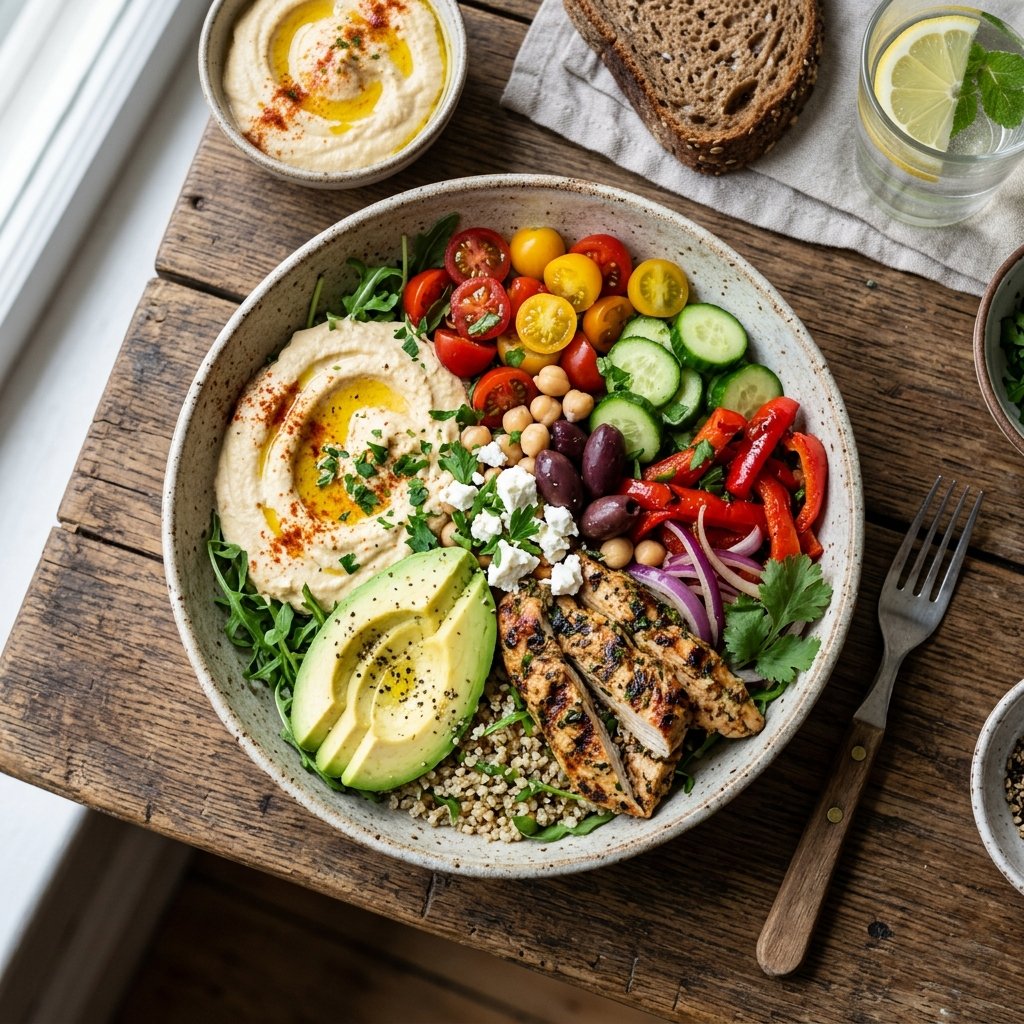
๐Ÿฅ— CAVA Bowls

Built from a base, protein, dips, toppings, and dressing. Bowls typically price between $10โ€“$16 depending on protein and add-ons. Check out our CAVA Bowl Menu Guide for full details.

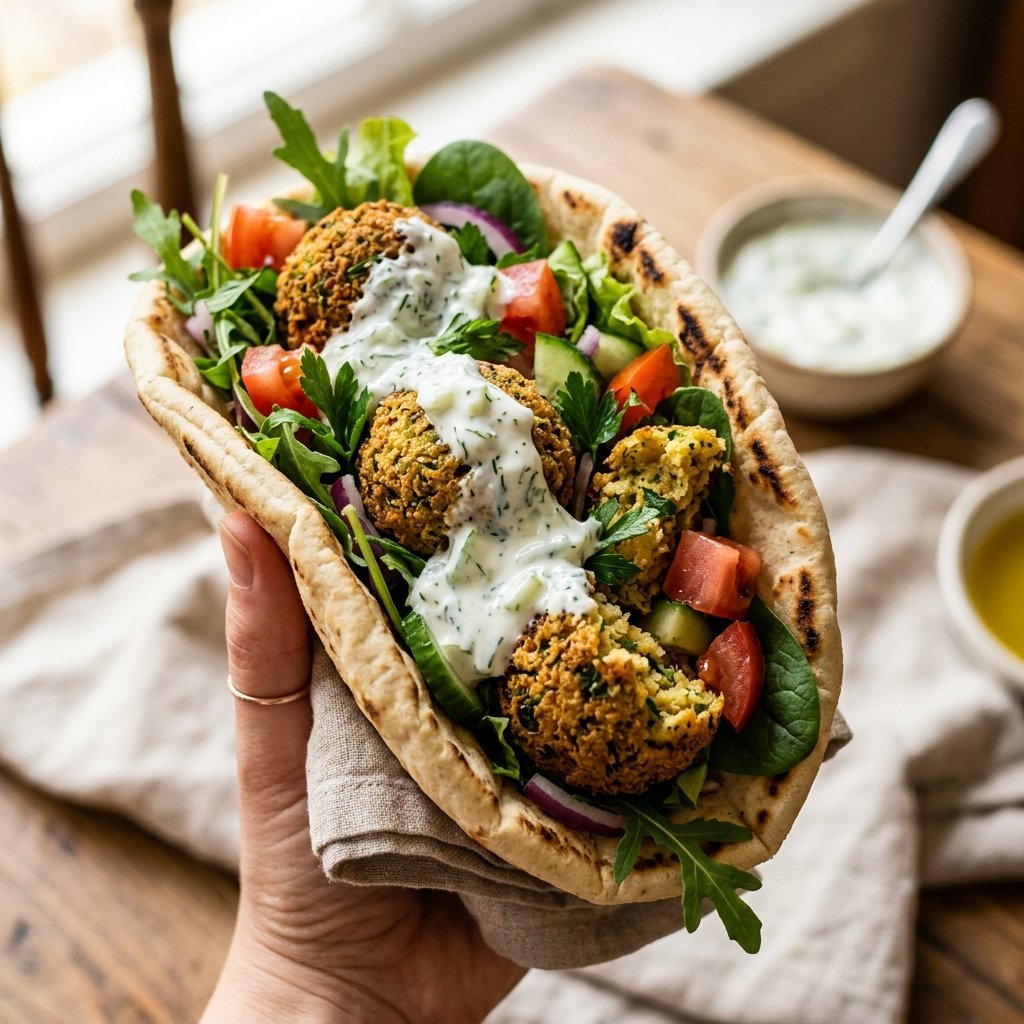
๐Ÿฅ™ CAVA Pitas

A warm pita filled with your choice of protein, spreads, and toppings, generally priced around $9.50โ€“$18. Explore options on our CAVA Pita Menu Guide.

๐Ÿฅฌ Salads and Greens

Built on greens rather than grains for a lighter meal, with the same protein, dip, and dressing choices as bowls.

๐Ÿง† Sides and Dips

Includes CAVA's signature dips โ€” hummus, Crazy Feta, tzatziki, harissa โ€” plus pita crisps and standalone dressings on our CAVA Sides Menu.

๐Ÿฅค Drinks & More

Seasonal juices, lemonades, brewed teas, and kids' meals, where offered by your selected location. View complete listings on our CAVA Drink Menu and CAVA Kids Menu Guide.

How to Customize a CAVA Online Order

1

Choose Your Base

Select up to two bases โ€” for example, a split of a grain like brown rice with a green like supergreens.

2

Add a Protein

CAVA's protein options include grilled chicken, spicy lamb meatballs, roasted vegetables, and falafel, covering meat, vegetarian, and plant-based choices.

3

Choose Dips and Toppings

Layer up to three dips, then add toppings like feta, pickled onions, or olives. Learn more about flavors on our CAVA Sauces & Dressings Guide.

4

Add a Dressing or Sauce

Finish with a dressing such as Lemon Herb Tahini, Greek Vinaigrette, or Skhug.

5

Review Calories & Info

Check CAVA's nutrition and allergen information before ordering, especially with a food allergy โ€” values shift with customization, so don't assume from the base item name alone. Calculate exact numbers with our CAVA Nutrition Calculator.

CAVA Group Orders & Catering

CAVA Mediterranean Catering Spread

CAVA Group Orders

For a few people ordering together, CAVA's group-order link (generated in the app) lets each person customize their own item before combining everything into one checkout. For larger groups or events, catering is the better fit โ€” see below.

CAVA Catering vs. Regular Online Ordering

Regular online ordering suits individual or small-household meals. CAVA Catering is built for groups and events โ€” its Group Bowl Bar is designed to serve 10 people, and the catering menu includes buffet-style spreads and packaged trays. Catering runs through CAVA's separate catering platform and can be booked up to three months in advance.

CAVA Rewards, Promos & Gift Cards

๐ŸŽ Earning CAVA Rewards

Yes โ€” you earn rewards for orders placed directly through CAVA.com, the CAVA app, in-restaurant, or through CAVA's catering platform.

Note: Orders placed through third-party apps like DoorDash or Uber Eats do not earn points.

๐Ÿ“ฑ Using Rewards Online

Yes, on CAVA.com or the CAVA app! Simply add the eligible reward item to your cart and apply it at checkout.

Points earned from catering can be used on regular orders, but rewards can't be redeemed directly on catering.

๐ŸŽŸ๏ธ Coupons & Promo Codes

CAVA periodically runs limited-time promo codes with specific dates or minimum purchase amounts. Always confirm a code is active in CAVA's own app โ€” codes circulating on third-party coupon sites are often expired.

๐Ÿ’ณ CAVA Gift Cards

Available both digitally (emailed for instant use) and physically. Purchasable online with a chosen amount and optional message. Gift cards are redeemable in-restaurant, on CAVA.com, and through the CAVA app.

Cava Restaurant Fee and Support

Cava Delivery Bag and Bowl

CAVA Online Ordering Fees and Prices

Pickup orders placed directly through CAVA carry no delivery or service fee. Delivery fees depend on which platform you use โ€” CAVA's own delivery, DoorDash, and Uber Eats each set their own rates, and some (like DoorDash's DashPass) offer fee-free delivery through a paid subscription. Ordering direct through CAVA is generally cheaper than ordering through a third-party platform, since you avoid that platform's added fees. Menu prices vary by location, so the price shown at your selected restaurant's checkout is more reliable than any single nationwide figure. Find your store on our CAVA Store Finder.

How to Track or Fix a CAVA Online Order

Where to Find Your Order Information

A receipt is emailed automatically to the address used at checkout. If you were signed in, you can also review past orders under Order History on CAVA.com or in the app.

What to Do If Your Order Is Delayed

Check the tracking status in the app or on the platform you ordered from first. If there's no update, contact CAVA Support for direct orders, or the delivery platform's support for third-party orders.

What to Do If There Is a Problem With a CAVA Order

If an order is wrong or incomplete, contact CAVA Support with your order details for a direct order, or the third-party platform's support if that's where you ordered โ€” each handles issues only for orders placed through its own system.

Who to Contact for Third-Party Delivery Orders

For DoorDash, Uber Eats, or Postmates orders, contact that platform directly โ€” they handle delivery problems, refunds, and order changes for orders placed through their systems, not CAVA's restaurant staff.

CAVA Online Ordering FAQs

Yes, through CAVA.com or the app โ€” select your restaurant and choose pickup at checkout.

Yes, where CAVA offers direct delivery, and also through third-party platforms like DoorDash and Uber Eats, where fees and support differ from ordering direct.

Yes โ€” the app covers the full ordering flow plus account tools like saved orders, notifications, and rewards tracking.

Yes โ€” base, protein, dips, toppings, and dressing are all customizable, matching the in-store build.

Yes for regular orders, where scheduling is offered. Catering can be booked up to three months ahead.

Yes, on regular-menu orders through CAVA.com or the app. Rewards can't be redeemed directly on catering orders, though qualifying catering purchases still earn points.